
A beautiful and easy-to-use Quiz maker powered by 
Create engaging quizzes that are fully customizable and fun. Generate your quiz in seconds and easily integrate it with other platforms.
Create engaging quizzes that are fully customizable and fun. Generate your quiz in seconds and easily integrate it with other platforms.






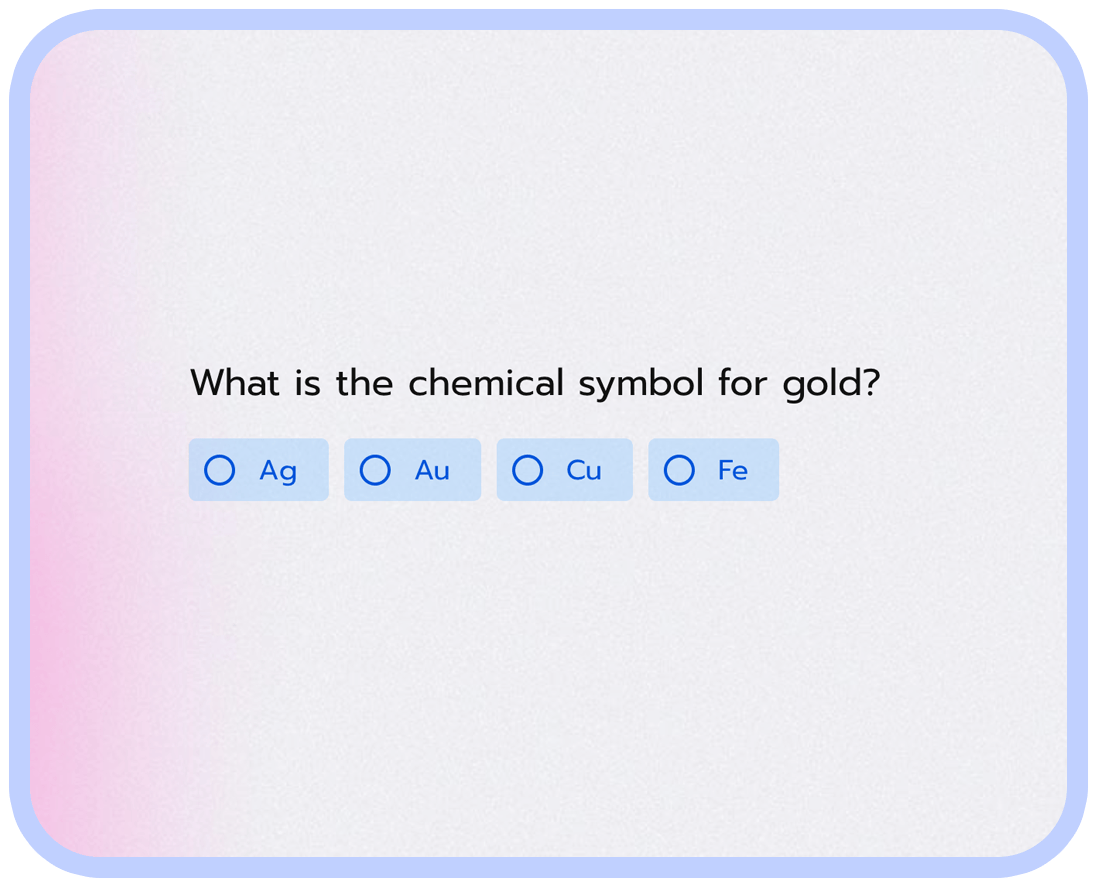
You can generate a quiz in seconds by simply describing the topic. You may also include specific information such as the number of questions, the quiz's difficulty level, or any particular topics to be covered.
Choose from our carefully crafted quiz themes, or easily create your own with your own branding to match the visual standards of your business. Branded quizzes are more recognizable.
Our quizzes are designed to adapt to any device, providing a convenient experience for your participants and enhancing the effectiveness of your quiz. Participants can complete the quiz from anywhere at their convenience.
When generating a quiz, our system will automatically add scoring and display the correct answer after each question, as well as the total score on the end page.
takes to create a quiz using our AI Quiz generator.
more engagement quizzes compared to other quiz makers.
of our users rate our quiz maker with high satisfaction scores.
To create a successful online quiz, it's important to choose a topic that will be engaging for your target audience. You should also adjust the difficulty of the questions so that they are not too easy or too hard.
A quiz is only as good as its questions, so make sure to add interesting and relevant questions that will keep users engaged and interested.
To make your quiz more visually appealing and engaging, consider adding images or video clips that relate to your online quiz topic.
Adding a score calculation based on user answers will allow you to present the total score for the user, making the quiz more interactive and rewarding.
Quizzes can be great lead generators, so consider asking for users' email addresses to grow your contact lists.
Adding the total score on the end page will allow users to instantly know their result and feel accomplished for completing the quiz.
After completion, send the user their quiz result and consider adding marketing information or special offers for the quiz taker to increase engagement.
Share your quiz via email, embed it on your website, or post it on social media to reach your target audience and increase participation.
Our platform allows you to experience real no-code behavior. Create quizzes without any coding knowledge.
For businesses, quizzes can be used as part of social media marketing strategies to generate brand awareness and engagement. Quizzes can be designed to test customers' knowledge of a product or service, or to help them identify their needs and preferences. They can also be used to strengthen lessons from onboarding or training sessions.
For individuals, quizzes can make learning more interactive and engaging. Regular quizzes, not intended for grading or evaluation, have been shown to boost memory retention, drive engagement, and make learning fun. Quizzes are versatile tools that can be used to help businesses and individuals grow.

Quizzes are a versatile and effective way to engage your audience while also growing your email list. By incorporating an email field into your quiz and configuring it with Mailchimp integration, you can easily capture new leads and add them to your email list.
Engage your potential clients by providing a quiz in the Intercom widget. With seamless integration, you can engage your audience and win potential clients. User details will be automatically added to your Intercom contacts.
Update contact information in Hubspot CRM when new leads are captured through the quiz. This way, you're always on top of your lead generation process.
Use Salesforce integration to automatically assign new leads to a specific sales rep based on criteria such as location, industry, or other qualifying factors. This will streamline your lead management process and ensure that each lead is assigned to the most appropriate sales rep.
Connect your quiz to other apps in your tech stack with Zapier integration. This will allow you to automate workflows and streamline your lead generation process across multiple platforms.
Make it easy for your quiz participants to share their results with their friends by adding a social share button. This will allow your quiz to reach a wider audience and potentially gain more leads.
Set up Google Analytics tracking to gain valuable insights into how your quiz is performing. This will allow you to make data-driven decisions about how to optimize your quiz for better engagement and lead generation.
Save quiz responses to a Google Sheet for easy organization and analysis. A great way to review the performance of your quizzes over time.
Send personalized follow-up emails to participants with promo codes or other incentives via Gmail. A perfect opportunity to increase engagement and customer loyalty.

You can modify this template in every possible way.
All templates work great on every device.
Use template Open form in a new window